

pane 2 · claude code · blocked 00:14
Your agent is waiting for one keypress.
One command, one scan — then every agent on your machine reports to your phone.
● Update(src/theme.ts) Claude wants to edit src/theme.ts Do you want to make this edit?❯ 1. Yes 2. Yes, and don’t ask again 3. No, tell Claude what to do differently
In review with Apple
Get it on Google PlayMuqun is with Apple for review. This is where the App Store link will be.
Then, on your own machine:
curl -fsSL https://osuki.dev/muqun/gateway.sh | sh 


-
Answer it before the coffee cools
The permission prompt arrives as a push you can answer from the Lock Screen — Approve, Approve always, Deny.
Muqun · now
claude wants to edit src/theme.ts
- Approve
- Approve always
- Deny
-
Check any agent’s progress, from anywhere
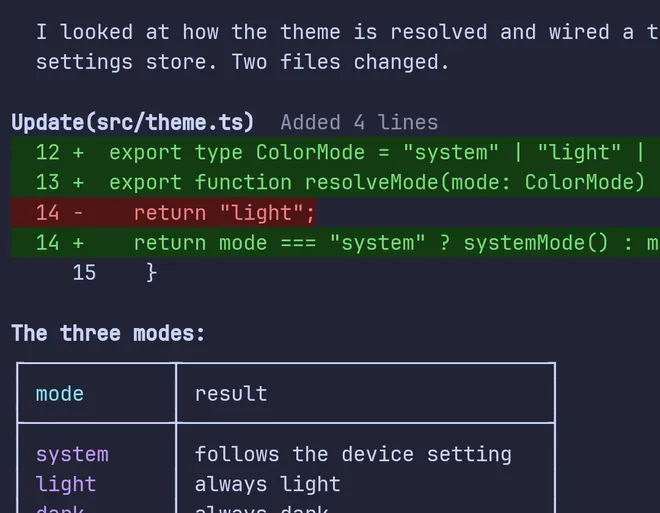
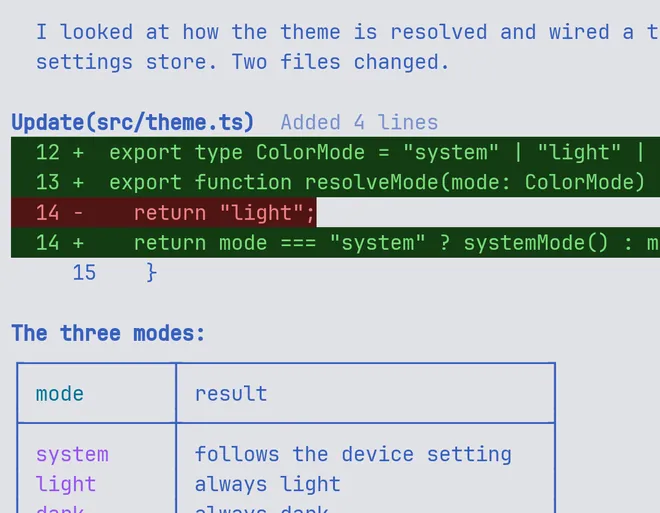
The real terminal grid, live, in the agent’s own colours. Long-press to select and copy the exact bytes, or pull down for earlier output.
-
Hand the agent a picture
Attach an image or a file straight from your phone — the mockup, the bug, the whiteboard. Type it or dictate it.
-
Start the next one from your pocket
Pick the agent, pick a directory the session already knows, type the prompt. It lands in a fresh pane.
- agent claude
- directory ~/src/muqun
- prompt ship the release notes
Start


One command. One scan.
Muqun talks to a Gateway on your own computer, not to a server of ours. Installing it is one line, and it does the rest itself.
-
1 Run this on your machine
It downloads a ready-built program — no Rust, no compiler — then configures it, starts it, and opens the pairing panel for you.
-
2 The QR is already on screen
On a first install, the Gateway opens its own pane next to your others, with the code already in it.
gateway · manage- p pair another device
- x revoke a device
- u change the address
-
3 Scan it, and you are in
Point Muqun’s camera at the panel and type back the short code your computer shows. The server goes green, and its panes are on your phone.
Local Gateway online- claude Working
- nvim Idle
- codex Working
Run this on your machine
curl -fsSL https://osuki.dev/muqun/gateway.sh | sh Panel not showing? Open it yourself, from any terminal:
muqun-gateway manage Once a device is paired, the panel shows its manager instead — press p in it to bring a QR back.
Prefer to read it first? Download it, read that file, then run that same file:
curl -fsSL https://osuki.dev/muqun/gateway.sh -o gateway.sh
less gateway.sh
sh gateway.sh - tmux, or Herdr 0.7.5 or newer, on macOS or Linux. Windows is not supported yet.
- No account, no subscription, no in-app purchase.
- Same Wi-Fi works; Tailscale is better.
We recommend putting both devices on Tailscale and using Tailscale Serve for a private HTTPS address — no port forwarding, and nothing of yours on the public internet. Use Serve, not Funnel.
Updating later: run the same command again. It updates the Gateway and restarts it, and your paired phones stay paired. The Gateway is open source — read the code and the full setup guide.
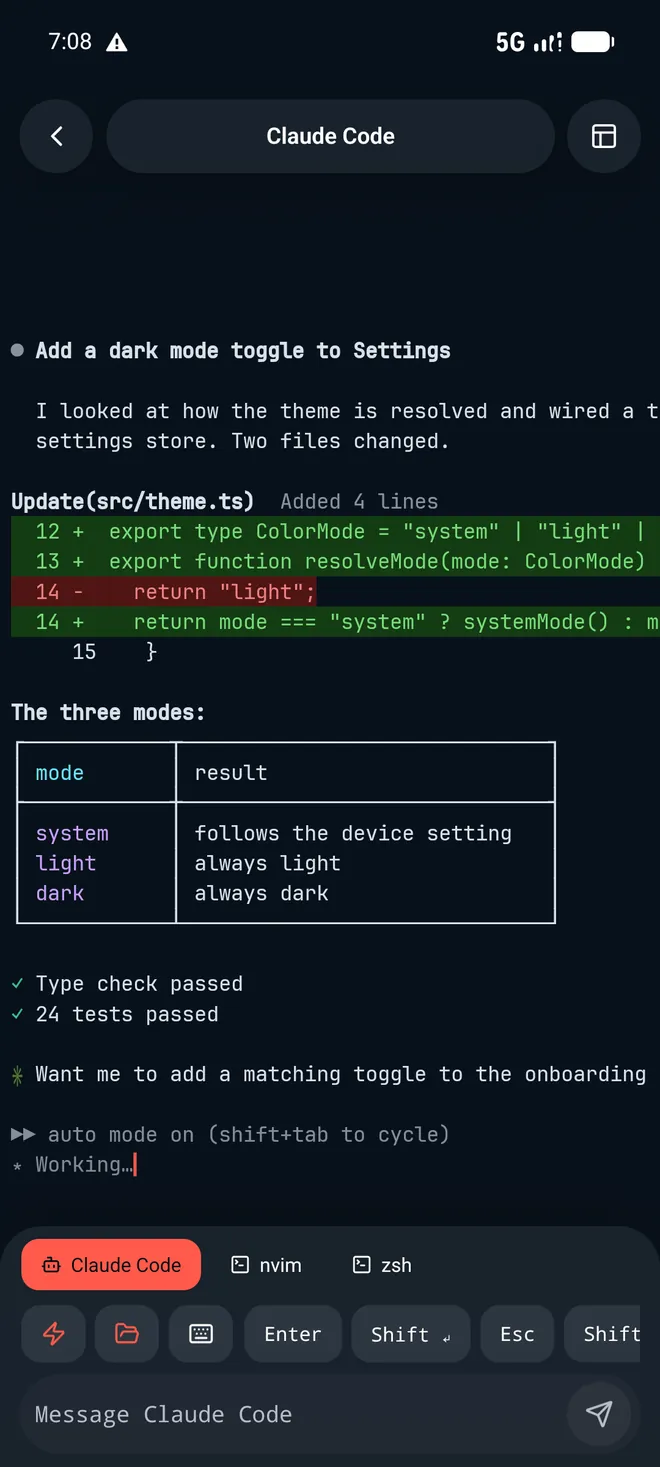
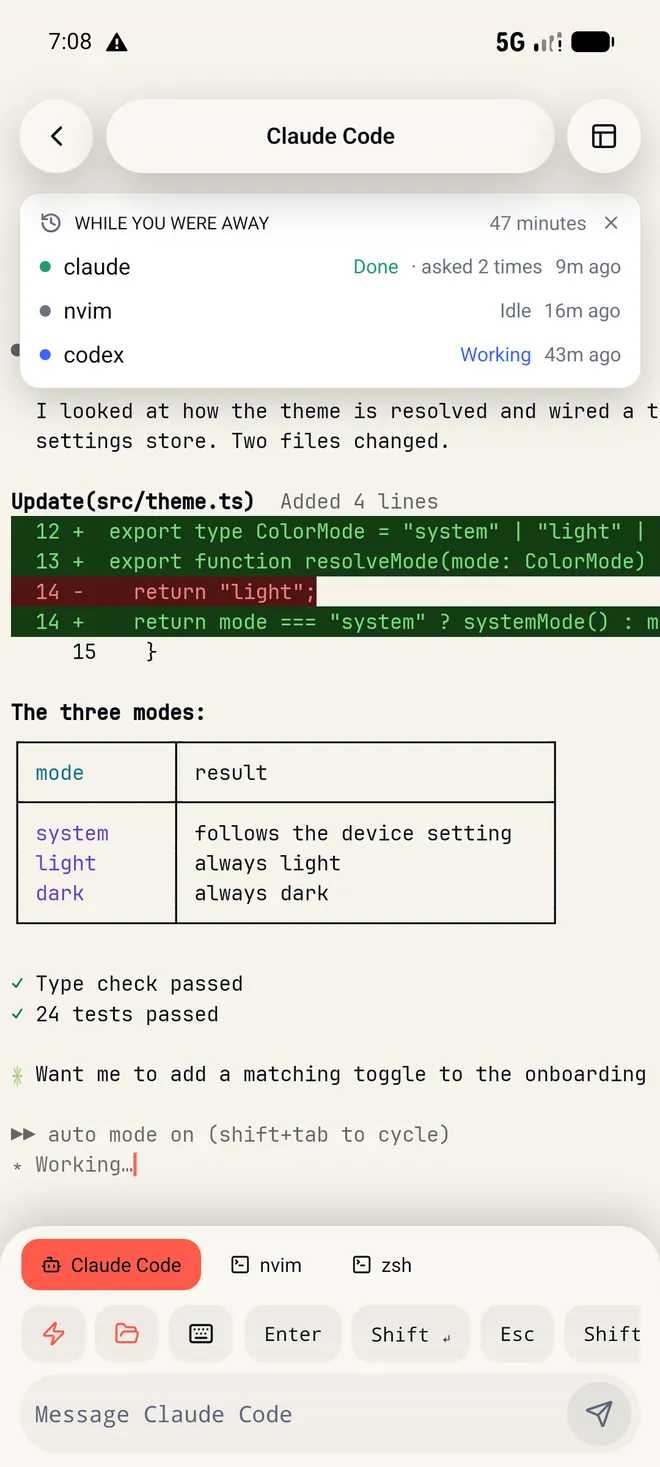
Pick a theme. The terminal changes with it.
Every pack repaints the app and the terminal together, and each one has a light half and a dark one. Thirty-two of them ship; here are five, on the same session:
-
Osuki -
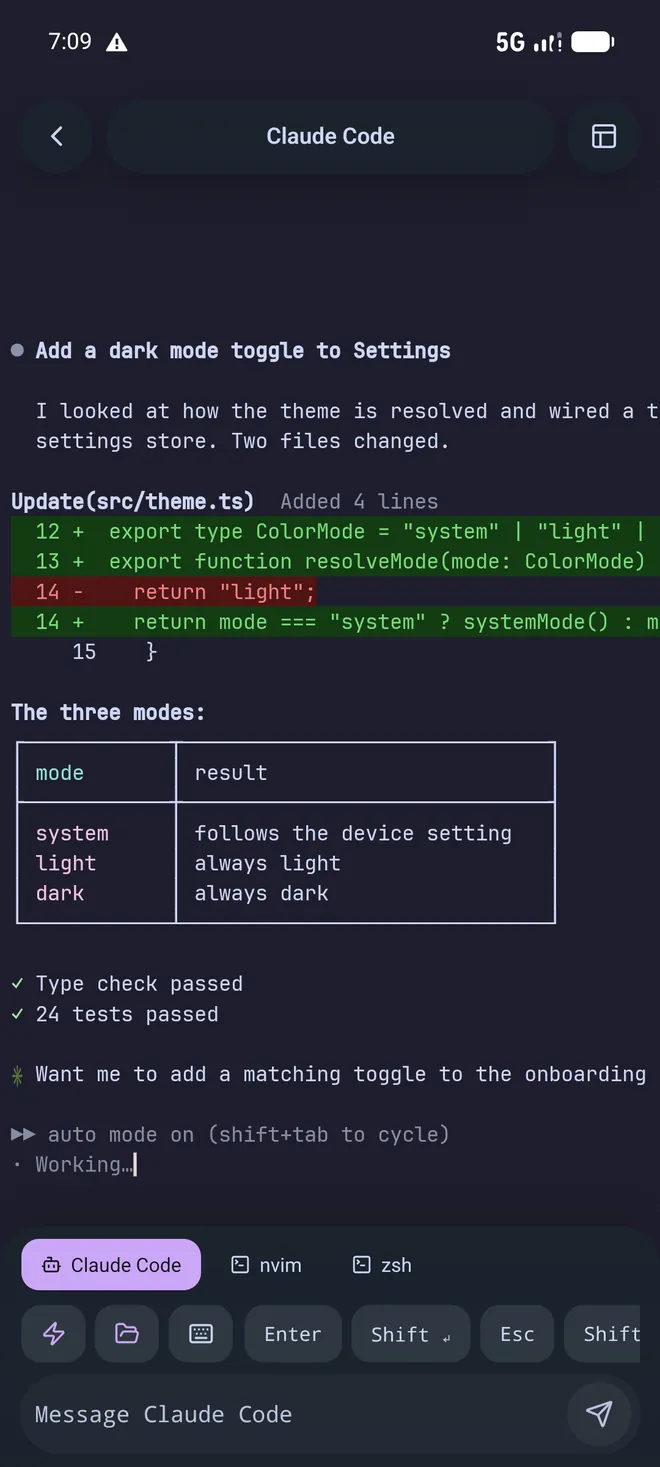
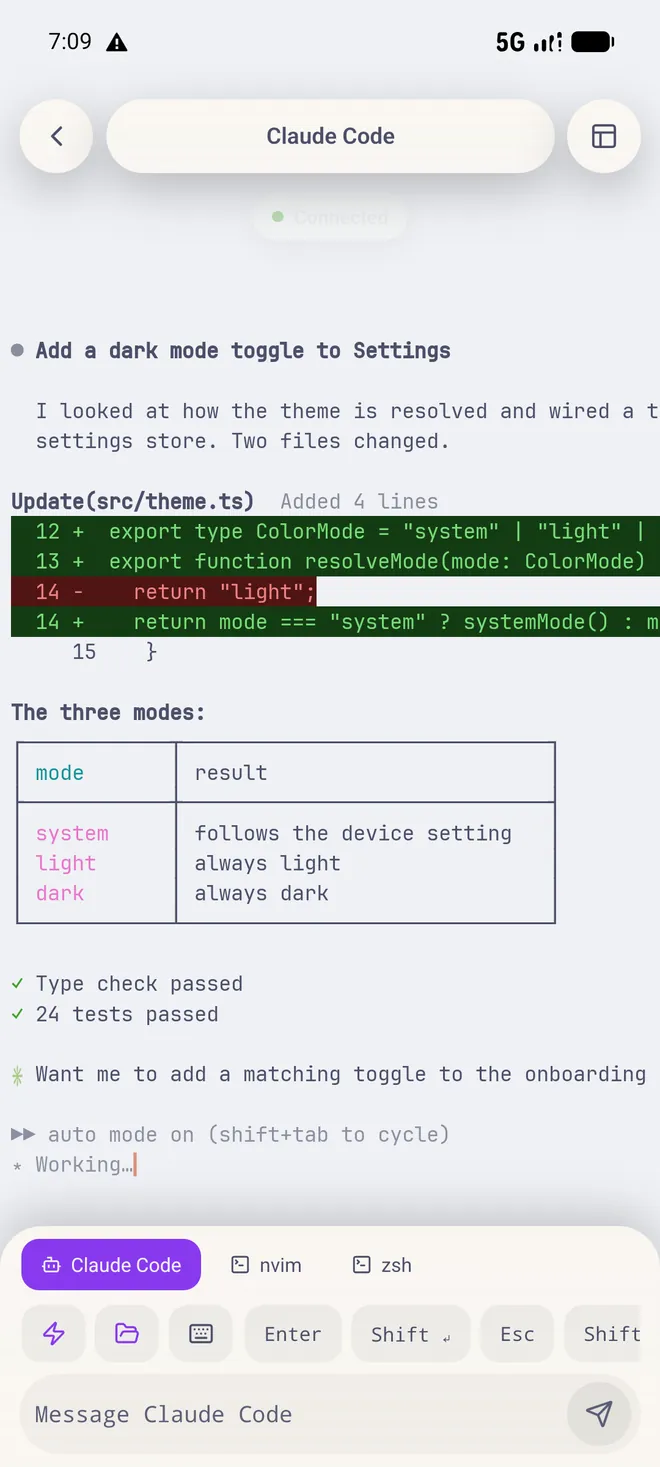
Catppuccin -
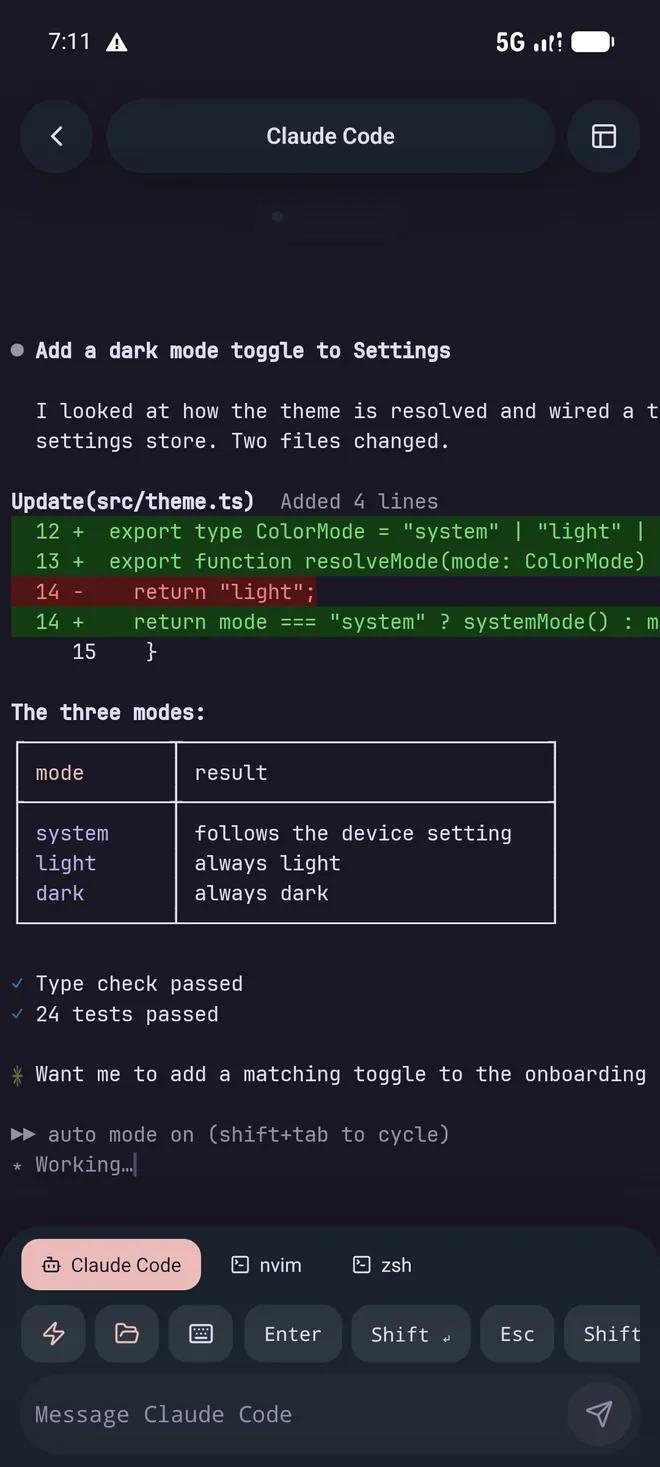
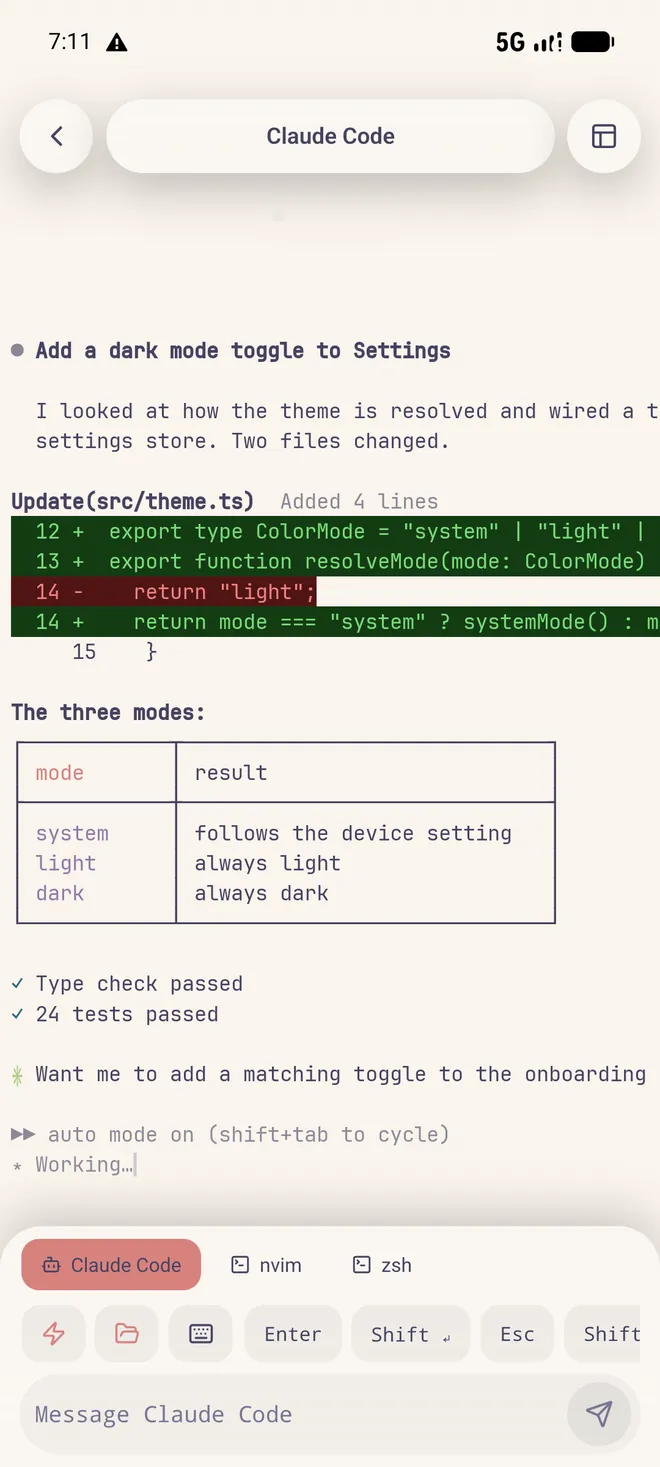
Rosé Pine -
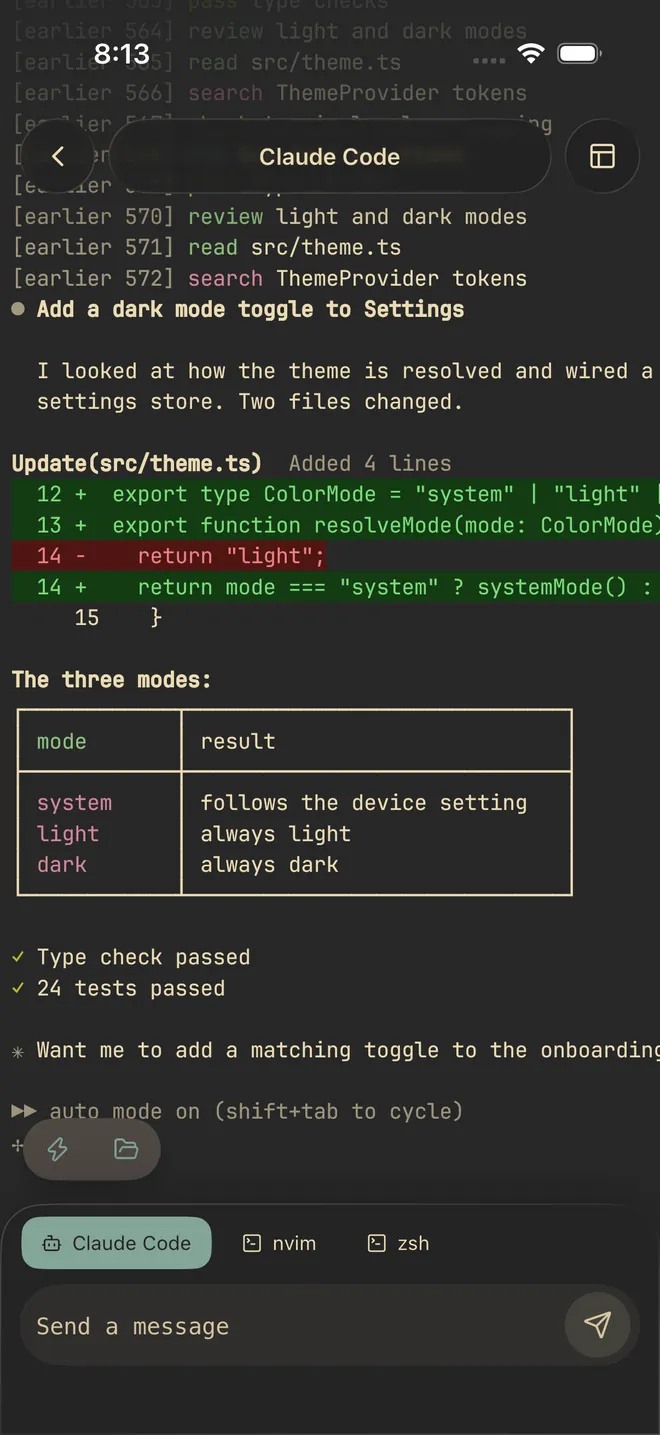
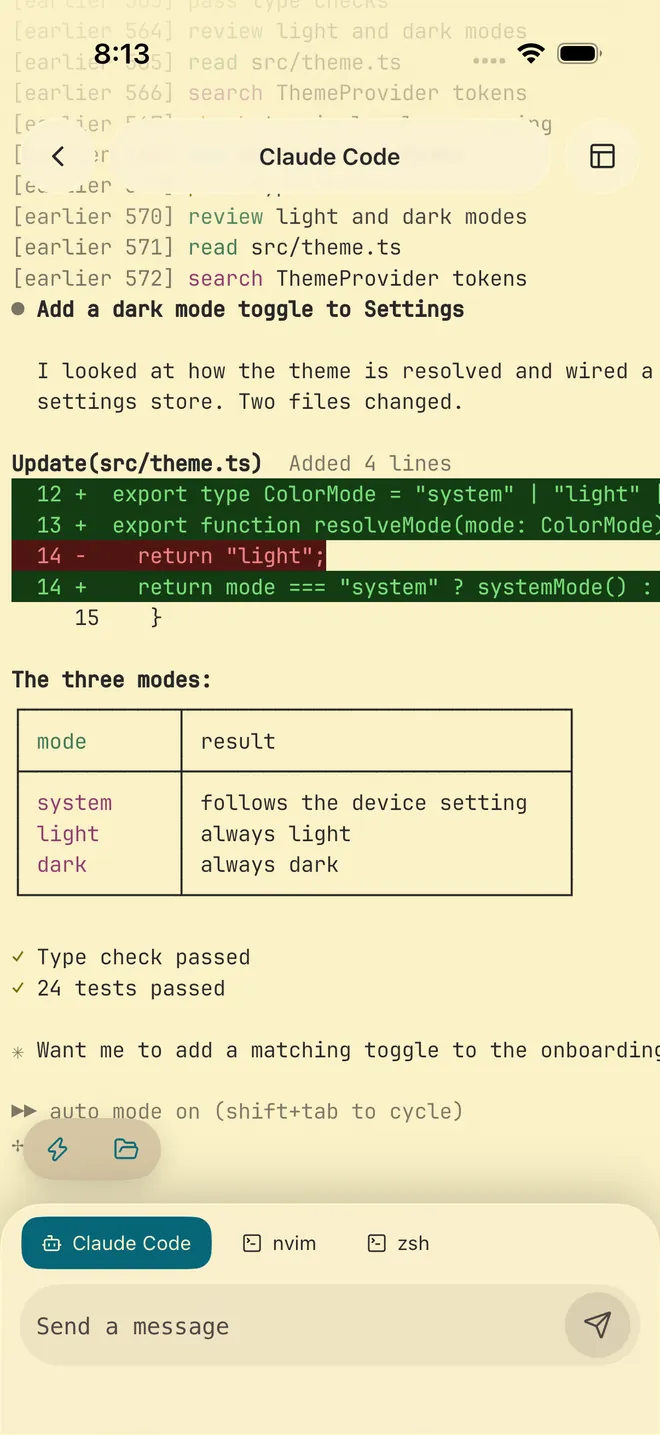
Gruvbox -
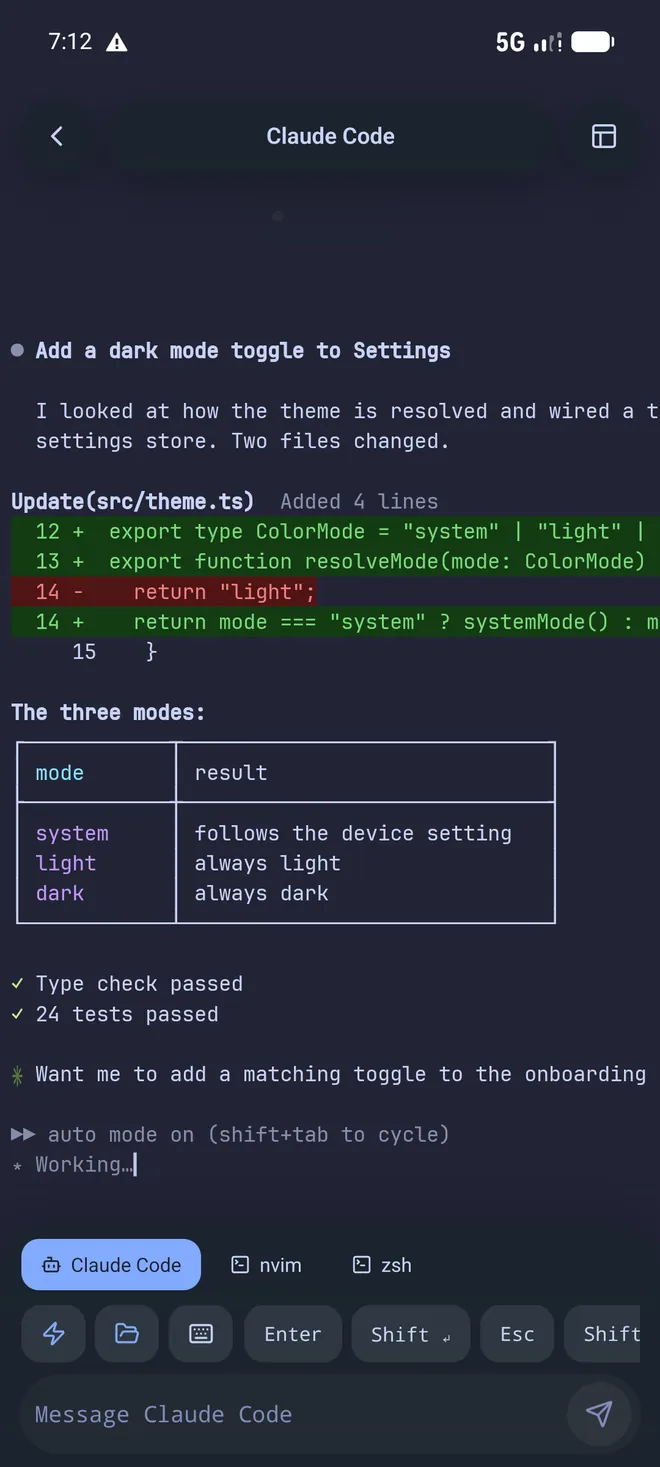
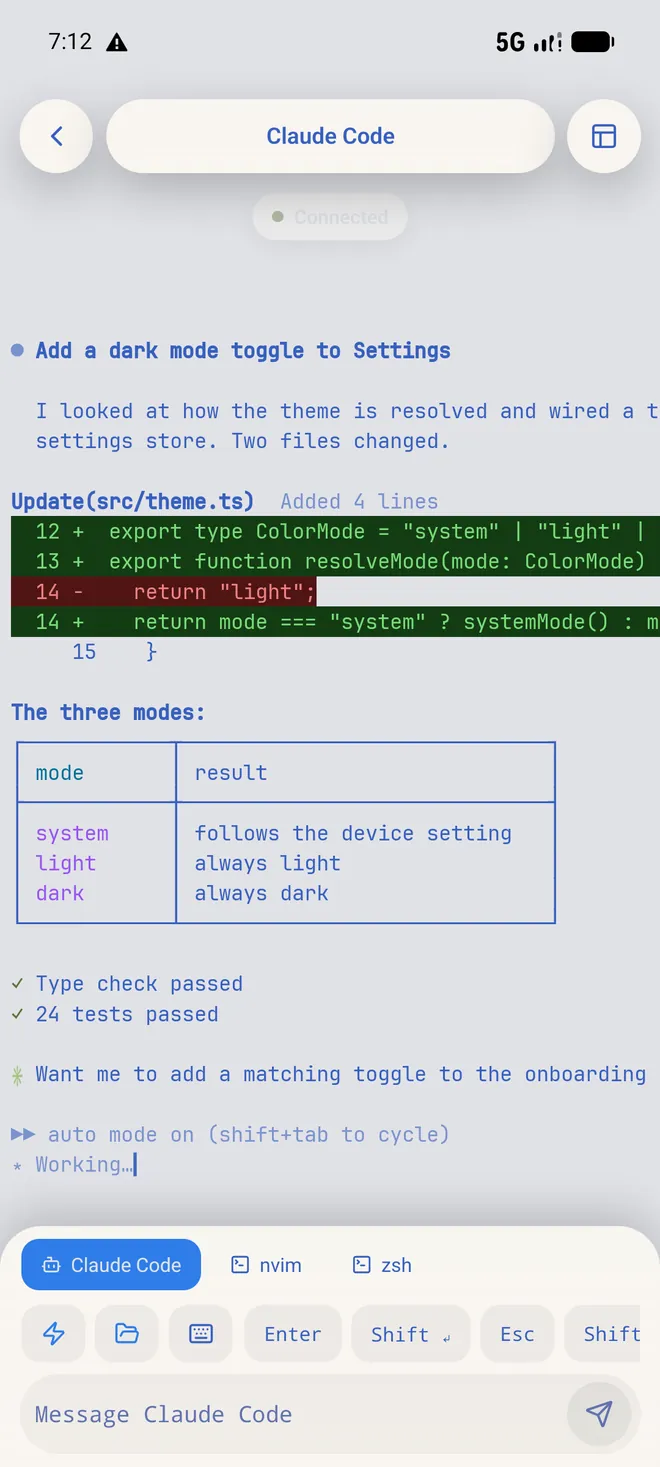
Tokyo Night


- Your phone pairs directly with your own machine.
- No Muqun account, and no relay of ours in between.
- No ads, no analytics, no third-party tracking SDKs.
- One purchase, and every update after it is free.
- Ask for a feature or report what broke; the issue tracker is where the next version comes from.
Your agents, anywhere.
In review with Apple
Google PlayMuqun is with Apple for review. This is where the App Store link will be.
Install the Gateway
curl -fsSL https://osuki.dev/muqun/gateway.sh | shIn review with Apple
Google Play